Screenwriting software comparison
Studiovity: A Final Draft Alternative
Both tools support professional screenwriting. Studiovity is the stronger choice when writing must continue into breakdowns, visual planning, scheduling, and production coordination.
Verdict
Which screenwriting software should you choose?
Choose Studiovity for a connected script-to-production workflow. It is designed for creators who write collaboratively, plan shoots, manage teams, prepare breakdowns, or want AI support during screenplay development.
Choose Final Draft when your priority is a familiar, dedicated screenwriting application with a long industry history, professional formatting, outlining, revisions, collaboration, and production reports.
If your process ends with an exported screenplay, Final Draft may be enough. If it continues into the shoot, Studiovity gives the screenplay a broader and more practical role.
Why Studiovity
Screenwriting built for the whole journey
Modern productions need more than formatted pages. Studiovity keeps creative development close to the production documents and people affected by every revision.
AI-assisted rewriting
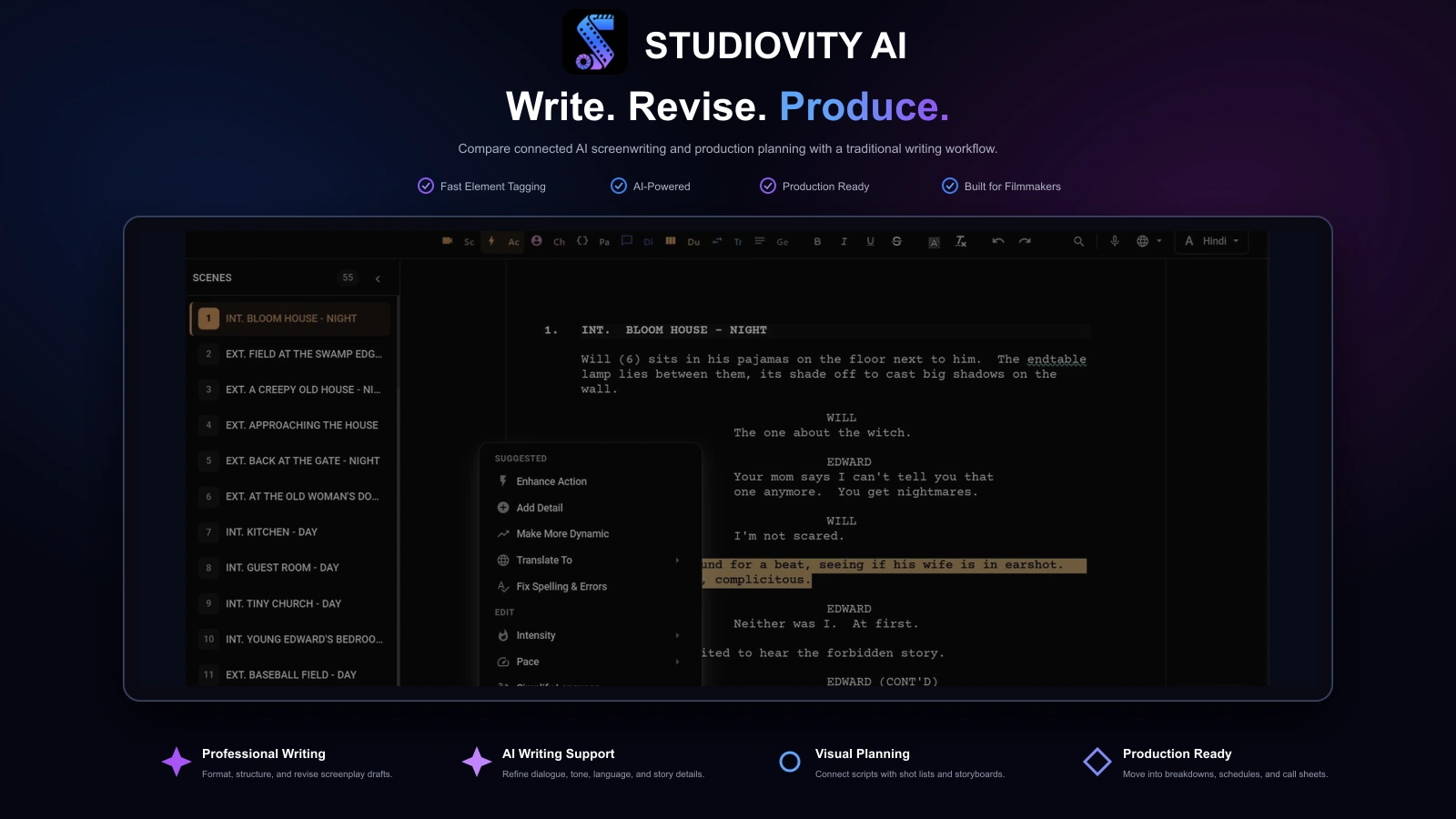
Refine dialogue, adjust tone, translate material, detect errors, and organize story beats without leaving the project.
Script-to-production handoff
Turn approved pages into breakdowns, shots, storyboards, schedules, budgets, and call sheets.
Visual planning
Connect screenplay context with shot lists and storyboards for directors and cinematographers.
Team coordination
Keep writers, producers, department heads, cast, and crew aligned around current production information.
Work across devices
Continue writing, reviewing, and checking production details through web, desktop, tablet, and mobile workflows.
Feature comparison
Studiovity and Final Draft compared
Both platforms support professional screenplay creation. Studiovity extends the script into AI-assisted development, visual planning, logistics, and team coordination.
| Feature | Studiovity | Final Draft |
|---|---|---|
| Professional screenplay formatting | Included | Included |
| Beat and outlining tools | Included | Included |
| Real-time writing collaboration | Included | Included |
| AI writing assistance | Included | Limited |
| Translation and tone refinement | Included | Limited |
| AI script breakdown | Included | Limited |
| Shot lists and storyboards | Included | Not available |
| Production scheduling | Included | Limited |
| Production budgeting | Included | Not available |
| Call sheets | Included | Not available |
| Cast and crew management | Included | Not available |
| Production tasks and calendar | Included | Not available |
| Browser and mobile workflow | Included | Limited |
Features and plan access can change. Limited may indicate partial support, production reports rather than a complete workflow, or availability through a separate product. Confirm current capabilities and pricing with each provider.
Product walkthroughs
See Studiovity in action
See how Studiovity supports the screenwriting work Final Draft is known for, then carries the script into breakdown and visual planning.

Screenwriting
Write and revise in a production-ready workspace
Preview the screenplay editor and its writing-first tools, with the script kept close to the production stages that follow.
Explore screenwriting tools
Script breakdown
Turn approved pages into breakdown data
Watch a breakdown workflow organize script elements so production teams can move from a draft toward practical planning.
Explore script breakdown tools
Storyboards
Connect the screenplay to visual planning
Preview the storyboard workflow for organizing visual ideas alongside the script and the production plan.
Explore storyboard toolsCore workflows
Where the platforms differ
Screenwriting and formatting
Both support professional scripts; Final Draft offers the more traditional experience.
Final Draft has a long industry history and centers its product on entertainment-standard formatting, outlining, revision, and script sharing. Studiovity also supports professional screenplay creation while connecting the document to collaboration and production planning.
Writing and rewriting support
Studiovity offers the more assistive modern workflow.
Studiovity adds AI support for dialogue refinement, tone changes, translation, error detection, and beat-based development. Final Draft provides mature writing and outlining features, including Beat Board tools, but its core workflow remains centered on the writer directing each revision.
Breakdowns and visual planning
Studiovity carries more script context into pre-production.
Studiovity can organize script elements into breakdowns and connect scenes with shot lists and storyboards. Final Draft offers production reports and script tagging, but productions generally need additional tools to build the complete visual and logistical plan.
Collaboration and team use
Final Draft supports co-writing; Studiovity coordinates more of the team.
Either platform can support screenplay collaboration. Studiovity extends the shared project into schedules, crew details, departments, calendars, tasks, call sheets, shots, and storyboards, keeping collaboration active after the writing stage.
Production readiness
Studiovity is the stronger choice for filmmakers taking a script to set.
A screenplay becomes a breakdown, schedule, budget, visual plan, crew plan, and call sheet. Studiovity handles these connected steps in the same ecosystem, reducing repeated setup and version drift when pages change.
Choose Studiovity
For writing that moves into production
- You want AI help with drafting, dialogue, tone, translation, and revision.
- The screenplay must flow directly into breakdowns, shots, storyboards, and schedules.
- Directors, producers, departments, cast, and crew need shared project context.
- You need budgeting, call sheets, calendars, tasks, and team management alongside writing.
- Browser and mobile access are important to your workflow.
Choose Final Draft
For a traditional dedicated writing app
- Your primary need is a dedicated, traditional screenplay-writing application.
- Industry familiarity and an established desktop workflow matter most.
- Automatic formatting, Beat Board planning, revision, and production reports cover your needs.
- You already use separate tools for breakdowns, visuals, schedules, budgets, and call sheets.
The practical recommendation
Ask which tool helps finish the project
Final Draft remains a respected application for writers who want a focused screenplay environment. Studiovity adds value for independent filmmakers, production teams, students, agencies, and creators whose work continues beyond the final page.
When writing, breakdowns, visuals, schedules, budgets, and call sheets share one project, teams spend less time moving information between apps and more time preparing the production.
Q&A
Studiovity vs Final Draft questions
Is Studiovity better than Final Draft?+
Studiovity is better when you need more than traditional screenplay formatting. It combines writing and AI-assisted revision with breakdowns, storyboards, shot lists, schedules, budgets, cast and crew management, and call sheets. Final Draft remains strong as a dedicated screenwriting application.
Is Studiovity a good Final Draft alternative?+
Yes. Studiovity supports professional screenwriting while extending the workflow into practical filmmaking. It is particularly useful for creators who want one project to move from writing into production planning.
Which software is better for film students?+
Studiovity is often the broader fit because students can learn scriptwriting, breakdowns, visual planning, scheduling, and team coordination in one environment. Final Draft remains useful for learning a familiar professional screenwriting workflow.
Which tool is better for production teams?+
Studiovity is better for production teams because its shared workspace includes tools beyond the screenplay, such as breakdowns, shot lists, storyboards, schedules, call sheets, calendars, and cast and crew coordination.
Should professional writers still consider Final Draft?+
Yes. Writers who prefer a long-established, dedicated desktop screenwriting application may favor Final Draft. Writers who collaborate closely with directors, producers, and crews may gain more from Studiovity's connected production workflow.
What makes Studiovity a complete screenwriting choice?+
Studiovity combines professional writing and creative assistance with the production tools required after the script takes shape, reducing the need to rebuild project information in disconnected apps.

Take Your Script Beyond the Final Page
Write, revise, break down, visualize, schedule, and coordinate your production in Studiovity.
Are you an Educator, Educational Institute, or Student?See special pricing →